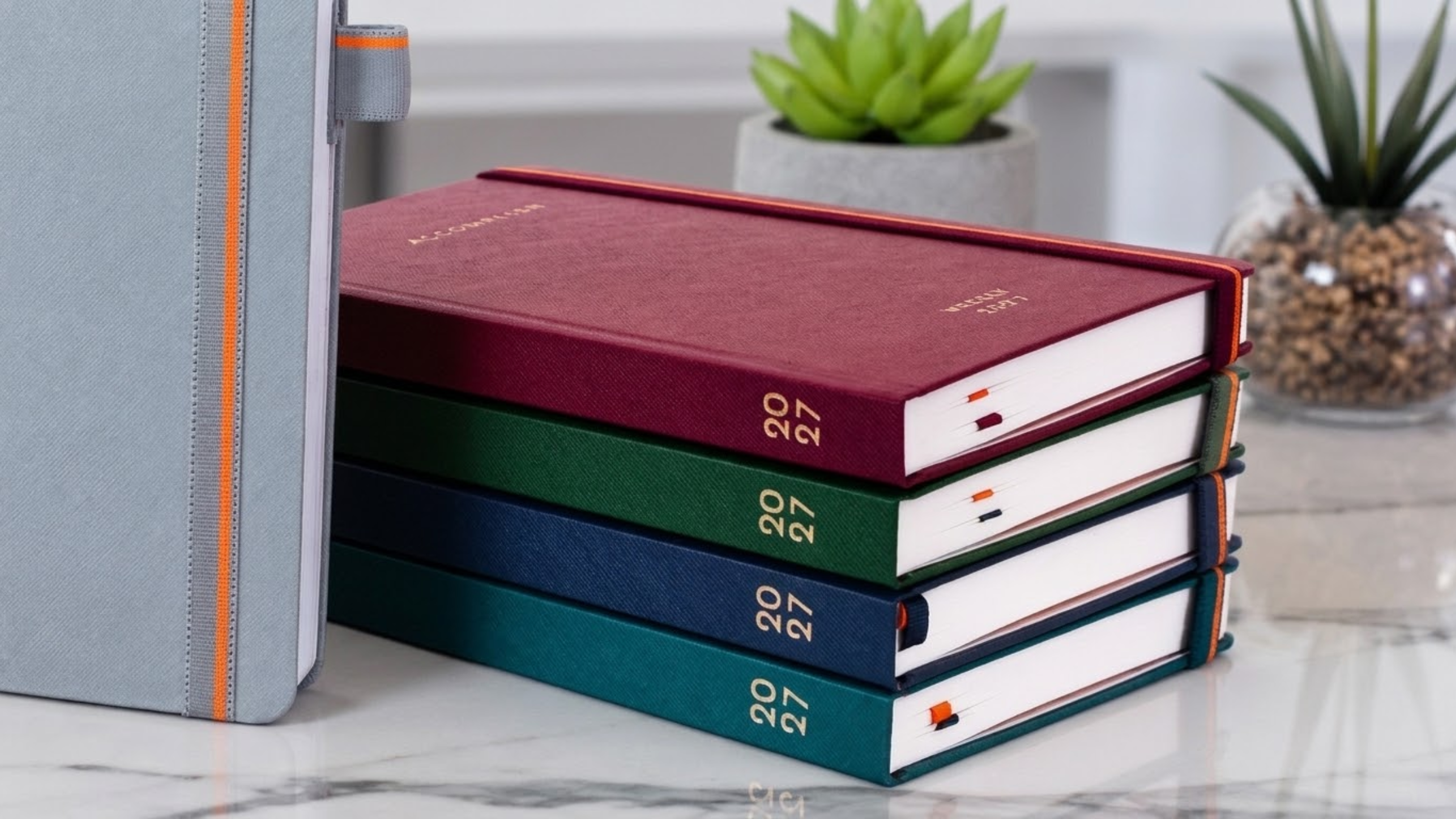
Tech Accessories That Look Good on a Desk

Desk accessories have a design problem. The functional ones are ugly — black plastic, tangled cables, a monitor on a stack of books. The good-looking ones are often less functional. Finding both at once is harder than it should be.
This guide is for anyone who works at a desk and wants it to look considered rather than chaotic. We've picked three tech accessories that are both functional and good-looking, at different price points. We haven't tested them. What we've done is check what the brands state about materials and function, what buyers report, and the fine print that decides whether an accessory earns its place on the desk.
Some links on this page earn us a commission. It doesn't change what we recommend. How that works.
Our take
Pick | Accessory | Price | Best for | Material |
Best overall | Monitor stand | ~$50–$80 | Raising a screen and tidying cables | Wood or aluminium |
Best for charging | Charging dock | ~$30–$60 | Charging phone, watch and earbuds | Aluminium or leather |
Best for cables | Cable organiser | ~$20–$30 | Hiding the mess | Leather or silicone |
What to look for in desk tech accessories
Materials should match. Wood, aluminium and leather look more considered than plastic. A desk with mixed materials looks chaotic; a desk with one or two materials looks intentional.
Function should be invisible. A good desk accessory solves a problem without adding clutter. A monitor stand that also hides cables is better than one that just raises the screen.
Cable management is the biggest improvement. A tidy desk starts with hidden cables. A cable organiser or a monitor stand with cable routing makes the biggest difference.
The most common mistake: buying accessories that look good but don't solve a problem. A desk looks cluttered because of cables, not because it lacks a decorative object.
The 3 picks
Monitor Stand
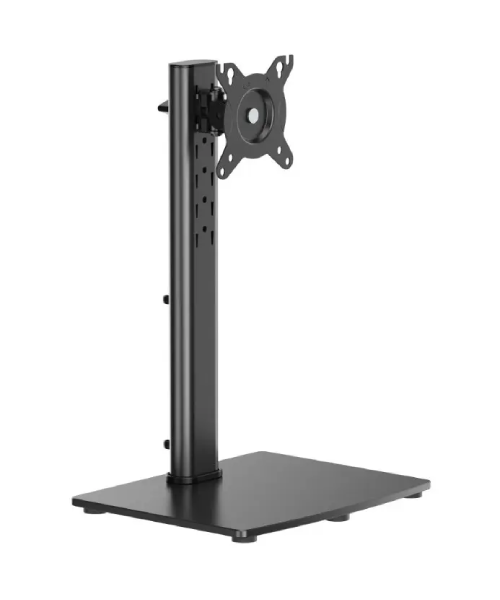
Price and retailer: Around $50–$80 at desk brands and retailers. Prices change, so check before ordering.
What it is: A wooden or aluminium stand that raises a monitor to eye level and provides storage underneath for a keyboard or cables.
Why it made the list: A monitor stand solves two problems at once — it raises the screen to a comfortable height and it creates storage underneath. It's the accessory that makes the biggest difference to both posture and tidiness.
What buyers say: Monitor stands get positive feedback for build quality and for the storage underneath. The recurring note is dimensions — check the width against your monitor and the height against your eye level.
Fine print: Check the dimensions and weight capacity. Check the material against your other desk accessories. Check the delivery time.
Good:
· Raises the screen to eye level
· Storage underneath for keyboard or cables
· Around $50–$80
Weigh up:
· Check the dimensions before buying
· Wood and aluminium look different — choose one
Charging Dock
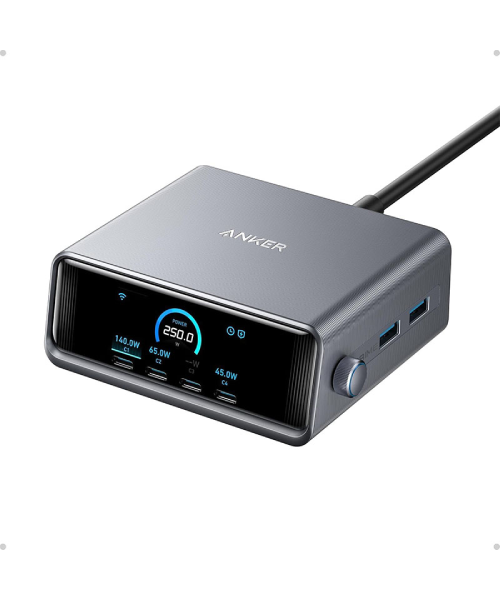
Price and retailer: Around $30–$60 at tech retailers. Prices change, so check before ordering.
What it is: A dock that charges a phone, watch and earbuds in one place, usually with a single cable. Some are aluminium, some are leather-wrapped.
Why it made the list: A charging dock removes three cables from the desk and replaces them with one. It's the accessory that makes the biggest difference to how tidy the desk looks, and it's the one you'll use every day.
What buyers say: Charging docks get positive feedback for reducing cable clutter. The recurring note is compatibility — check that it supports your phone and watch models before buying.
Fine print: Check compatibility with your devices. Check the cable type and whether it's included. Check the delivery time.
Good:
· Removes multiple cables
· Used every day
· Around $30–$60
Weigh up:
· Check compatibility
· Some docks charge slowly
Cable Organiser
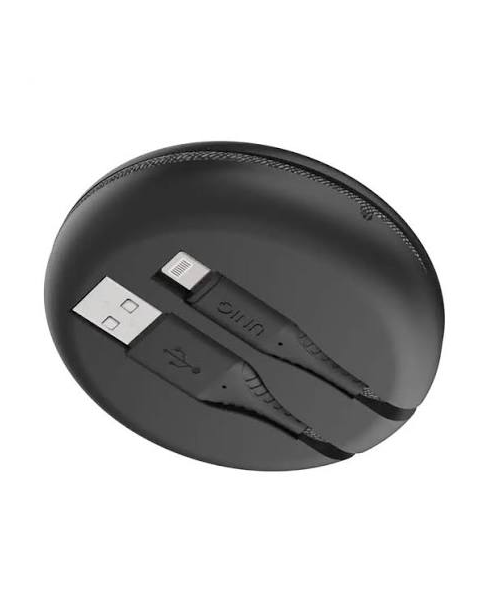
Price and retailer: Around $20–$30 at desk brands and retailers. Prices change, so check before ordering.
What it is: A leather or silicone organiser that holds cables in place and hides them behind the desk or under the monitor stand.
Why it made the list: This is the cheapest accessory here and the one that finishes the desk. Cables are the main reason a desk looks chaotic; an organiser hides them without much effort.
What buyers say: Cable organisers get positive feedback for tidying up desks. The recurring note is adhesion — cheap organisers come unstuck. Choose one with strong adhesive or a weighted base.
Fine print: Check the adhesive and the number of cables it holds. Check the material against your other accessories.
Good:
· Around $20–$30
· Hides cables
· Finishing touch
Weigh up:
· Adhesion can fail
· Holds a limited number of cables
How to make a desk look considered
Choose one or two materials. Wood, aluminium or leather — not all three. Matching materials make the desk look intentional.
Hide the cables. A cable organiser or a monitor stand with cable routing makes the biggest difference.
Clear the surface. A desk looks cluttered because of what's on it. Keep only what you use daily on the surface.
Add one plant. A small plant softens a desk and makes it look less like a workstation.
Who should skip these
If you work from a laptop, a monitor stand isn't necessary. If you don't have multiple devices, a charging dock is overkill. And if your desk is already tidy, a cable organiser isn't needed.
Questions
What are the best desk accessories?
A monitor stand, a charging dock and a cable organiser. These solve posture, cable clutter and tidiness — the three biggest desk problems.
How do you make a desk look aesthetic?
Choose one or two materials, hide cables, clear the surface and add one plant. Matching materials and hidden cables make the biggest difference.
Is a monitor stand worth it?
Yes, if you work at a desk for hours. It raises the screen to eye level, which improves posture, and it creates storage underneath.
How do you hide cables on a desk?
Use a cable organiser, a monitor stand with cable routing, or adhesive clips. Hiding cables is the single biggest improvement to a messy desk.
What's a good charging dock?
One that charges your phone, watch and earbuds with a single cable. Check compatibility with your devices before buying.
The bottom line
If you want to improve posture and tidiness, choose a monitor stand. If you want to remove cables, a charging dock is the one. And if you want the finishing touch, a cable organiser is the pick.
Match your materials, hide your cables and clear the surface. That's how a desk looks considered.